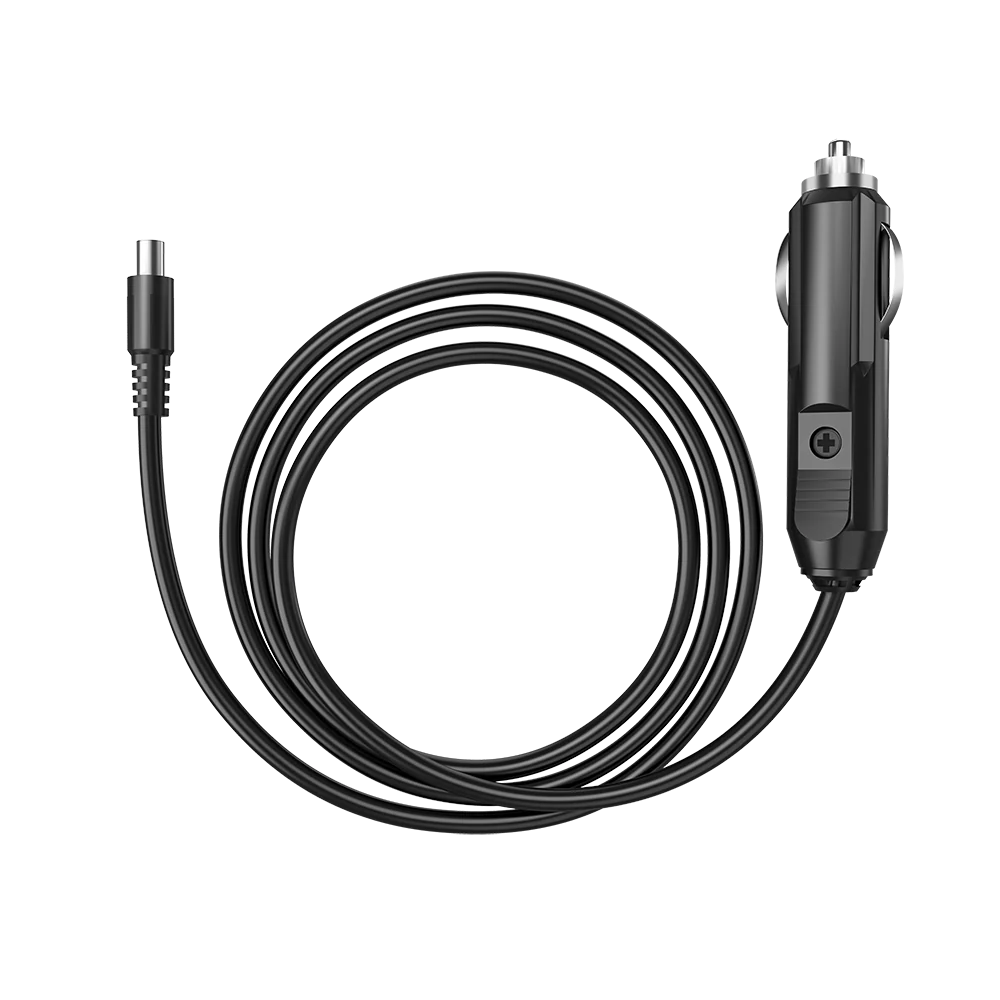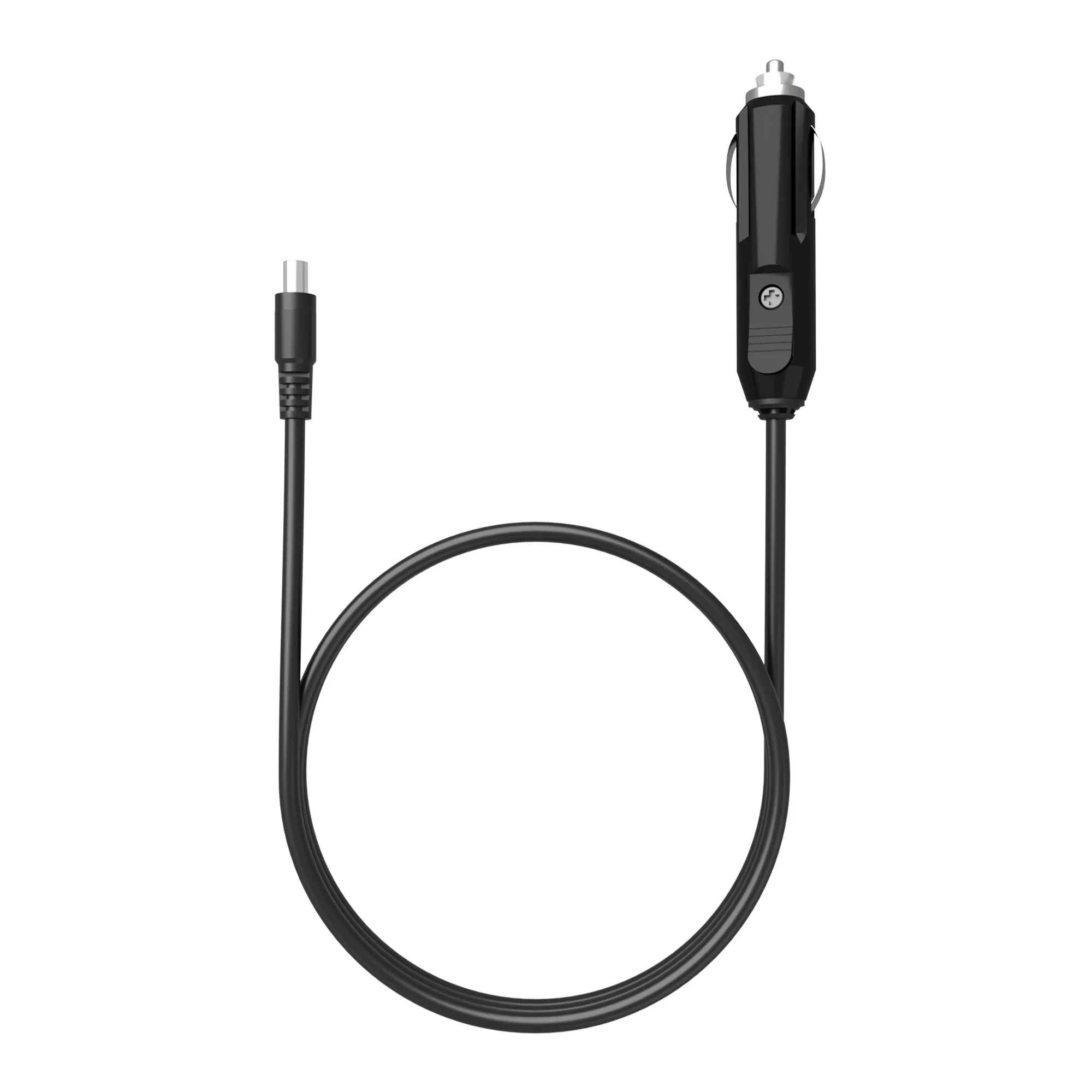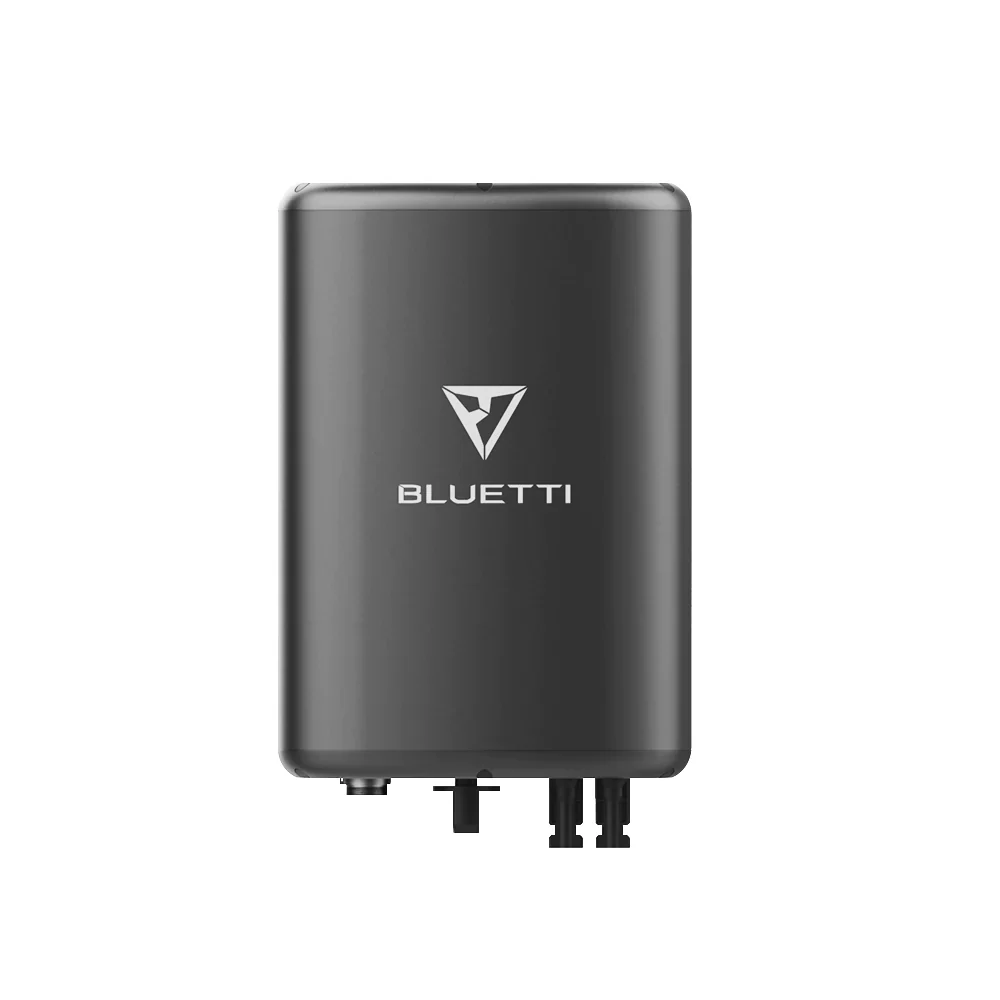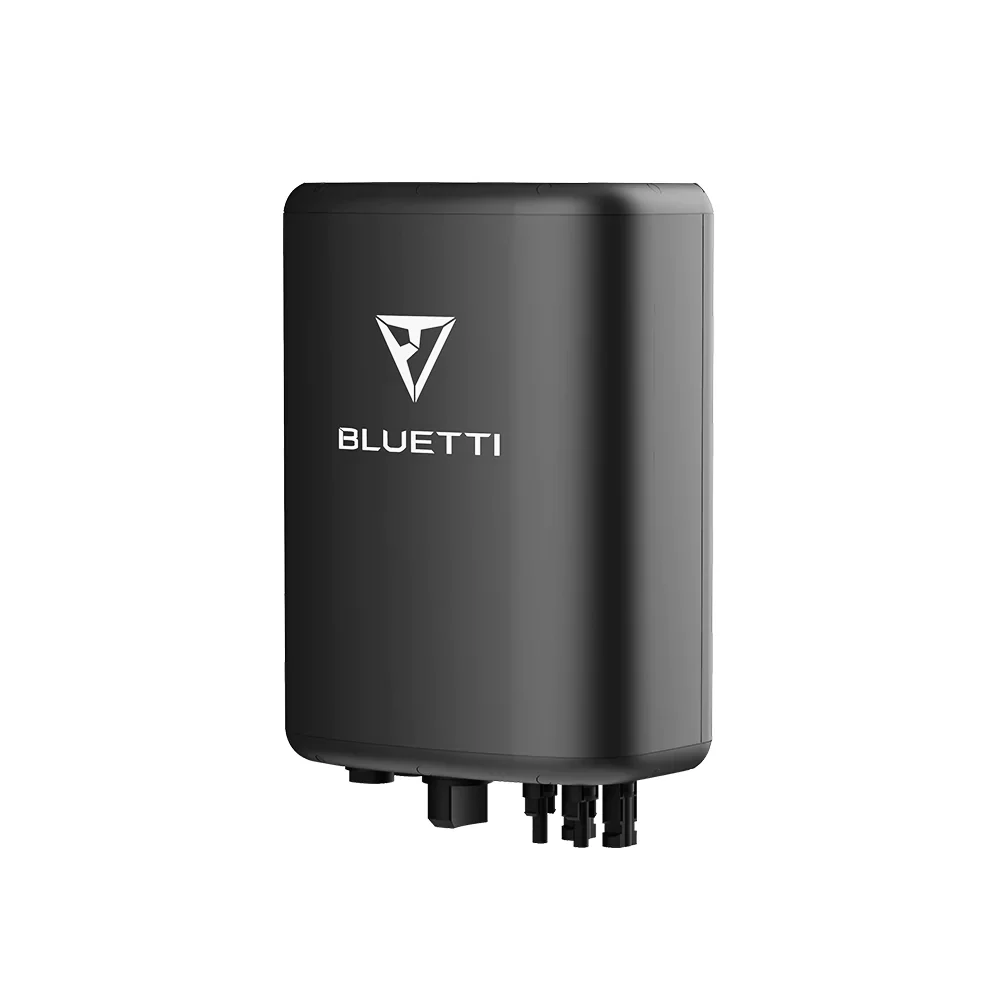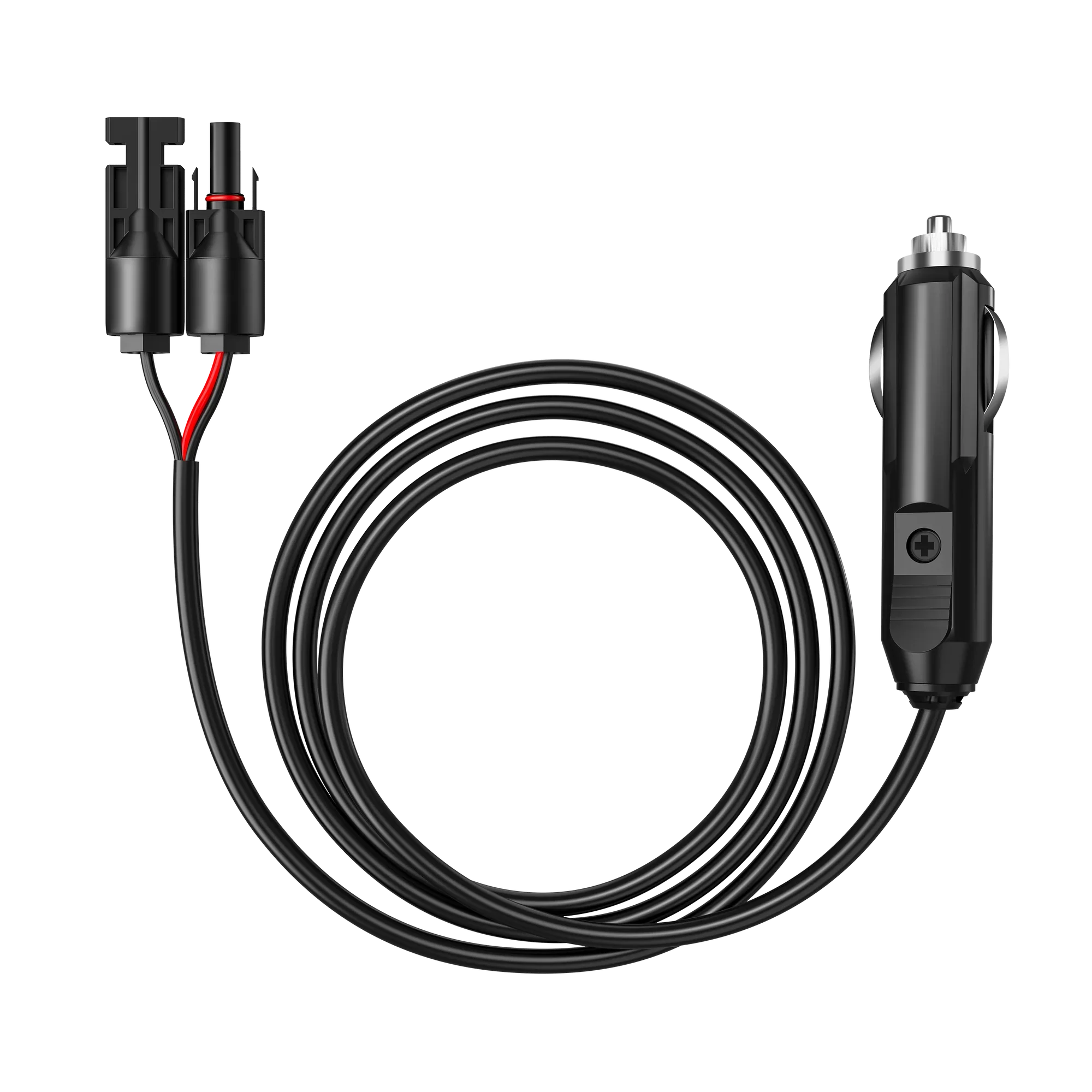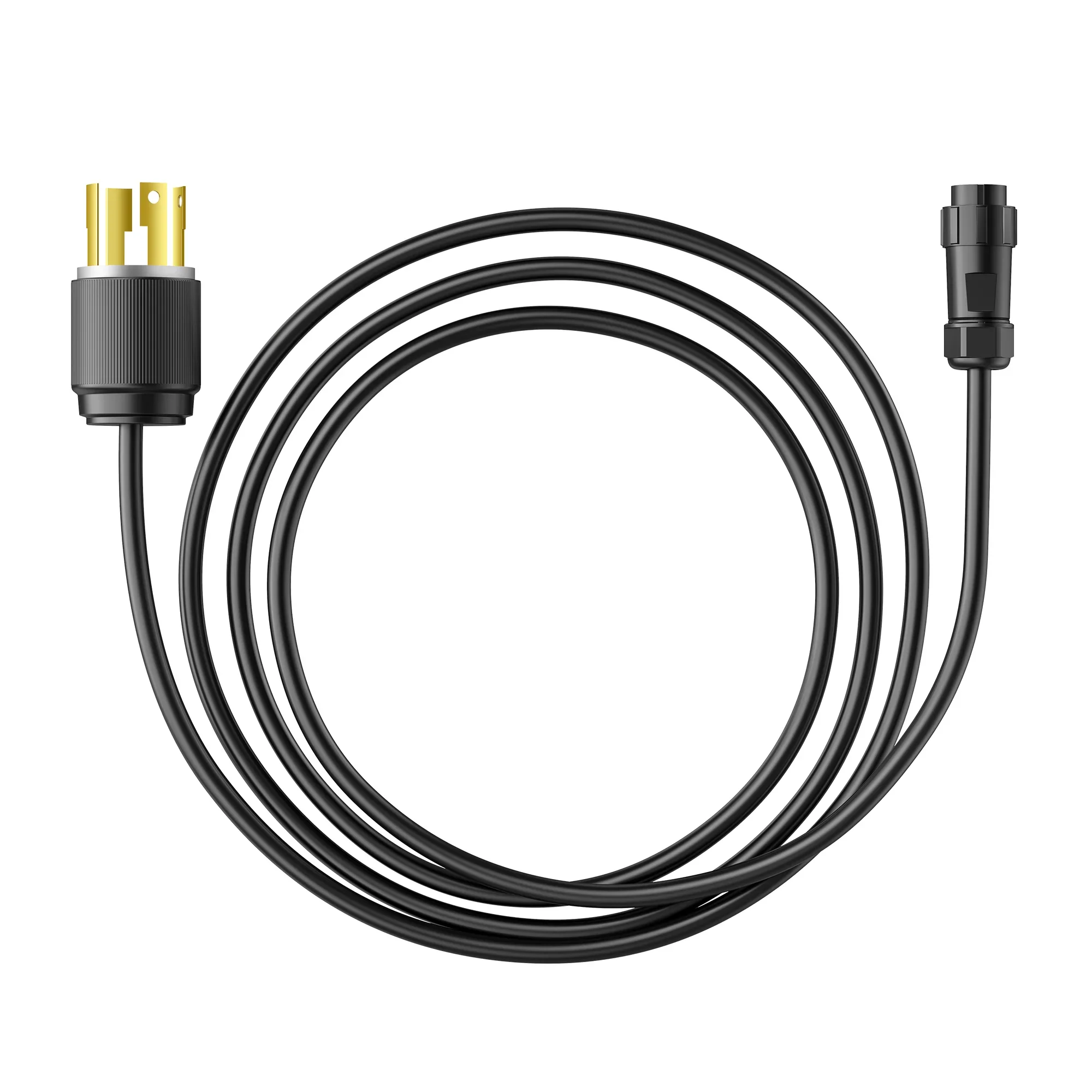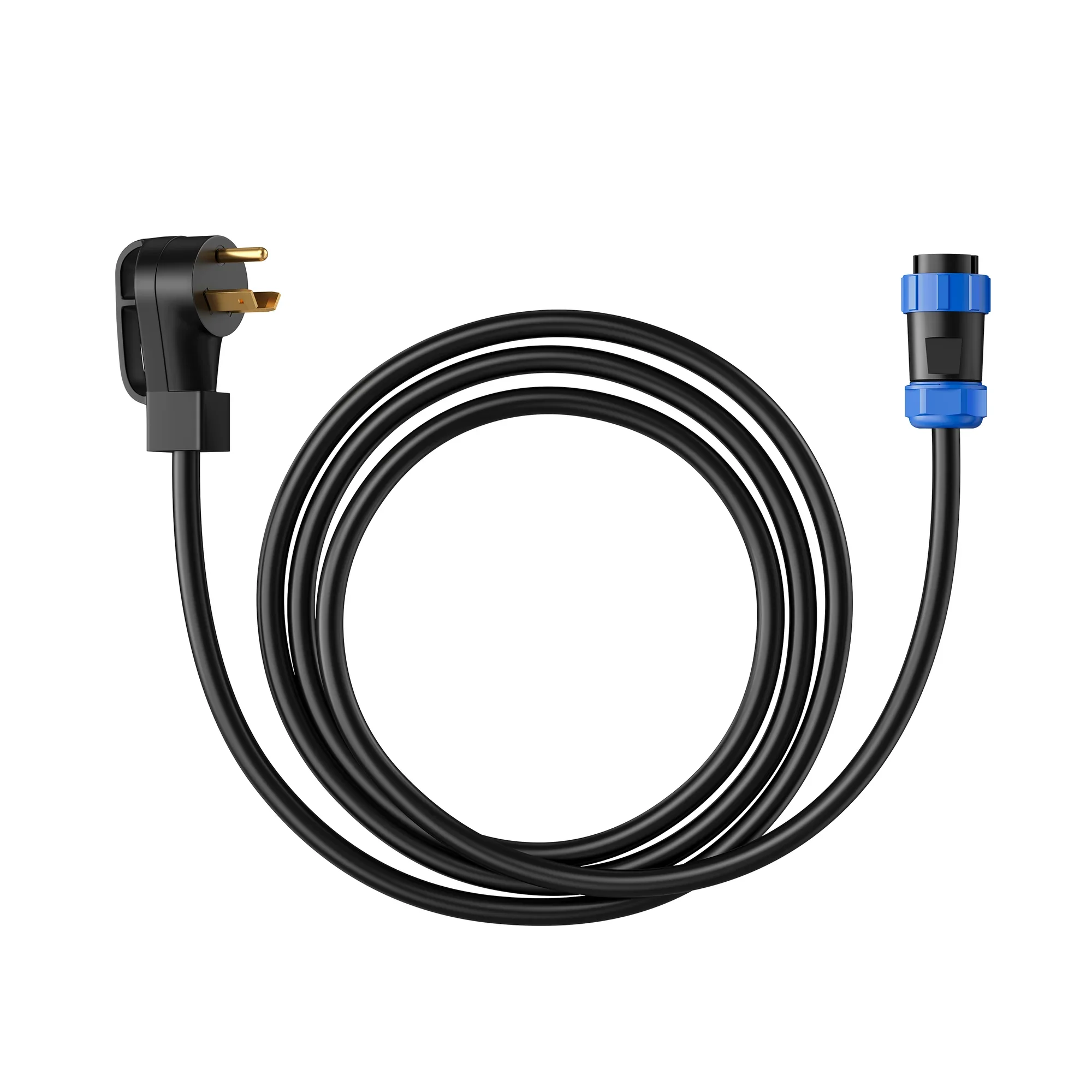
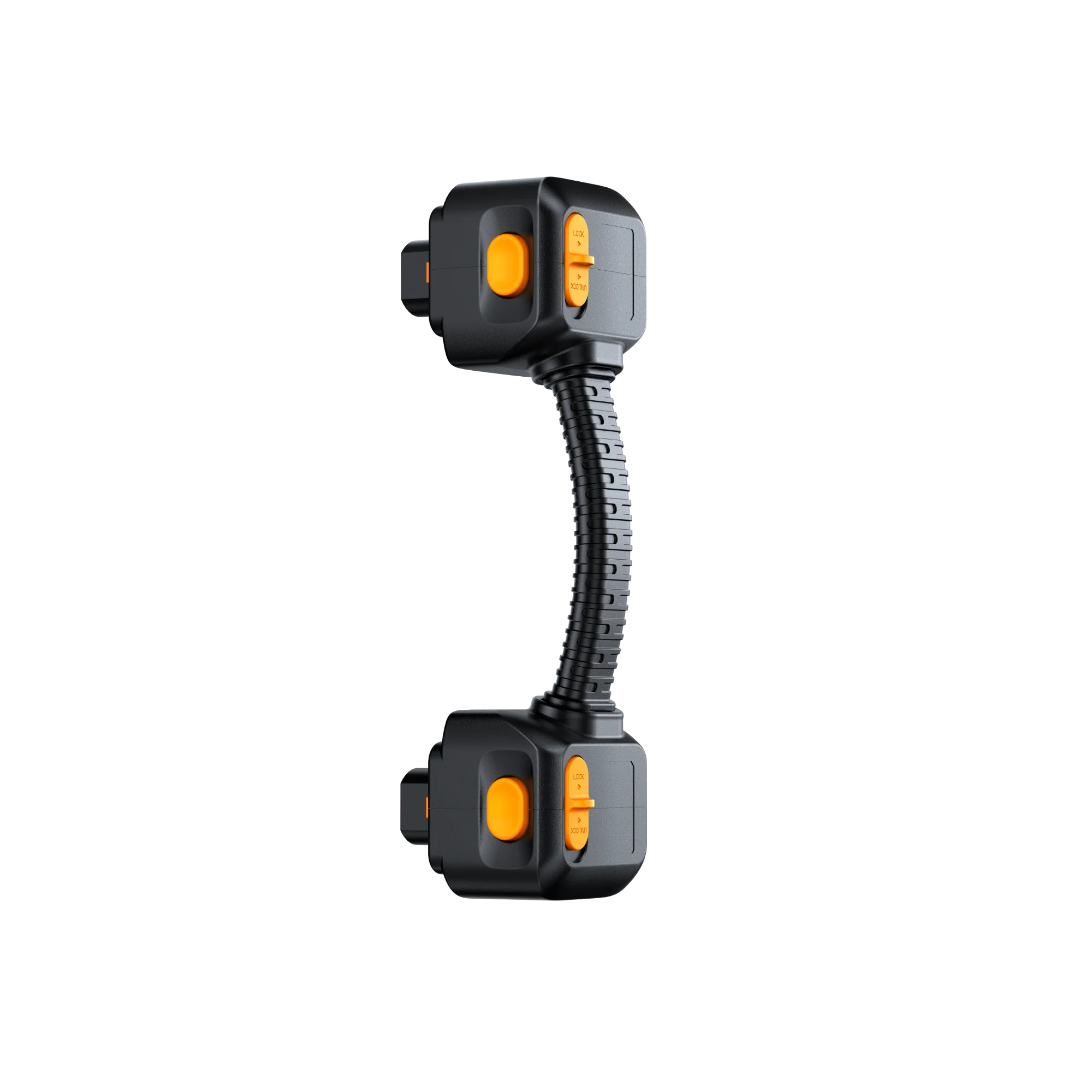
External Battery Connection Cable
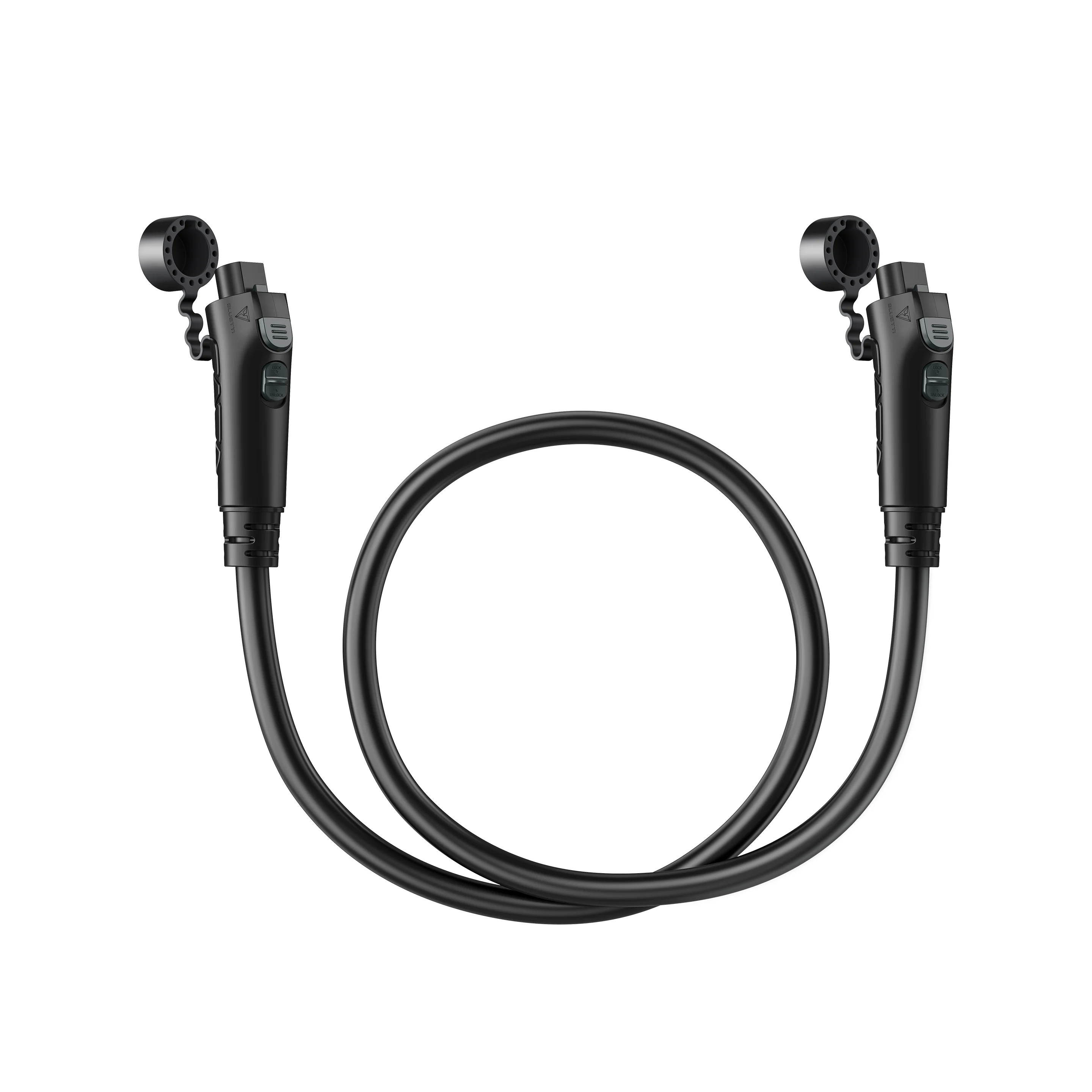
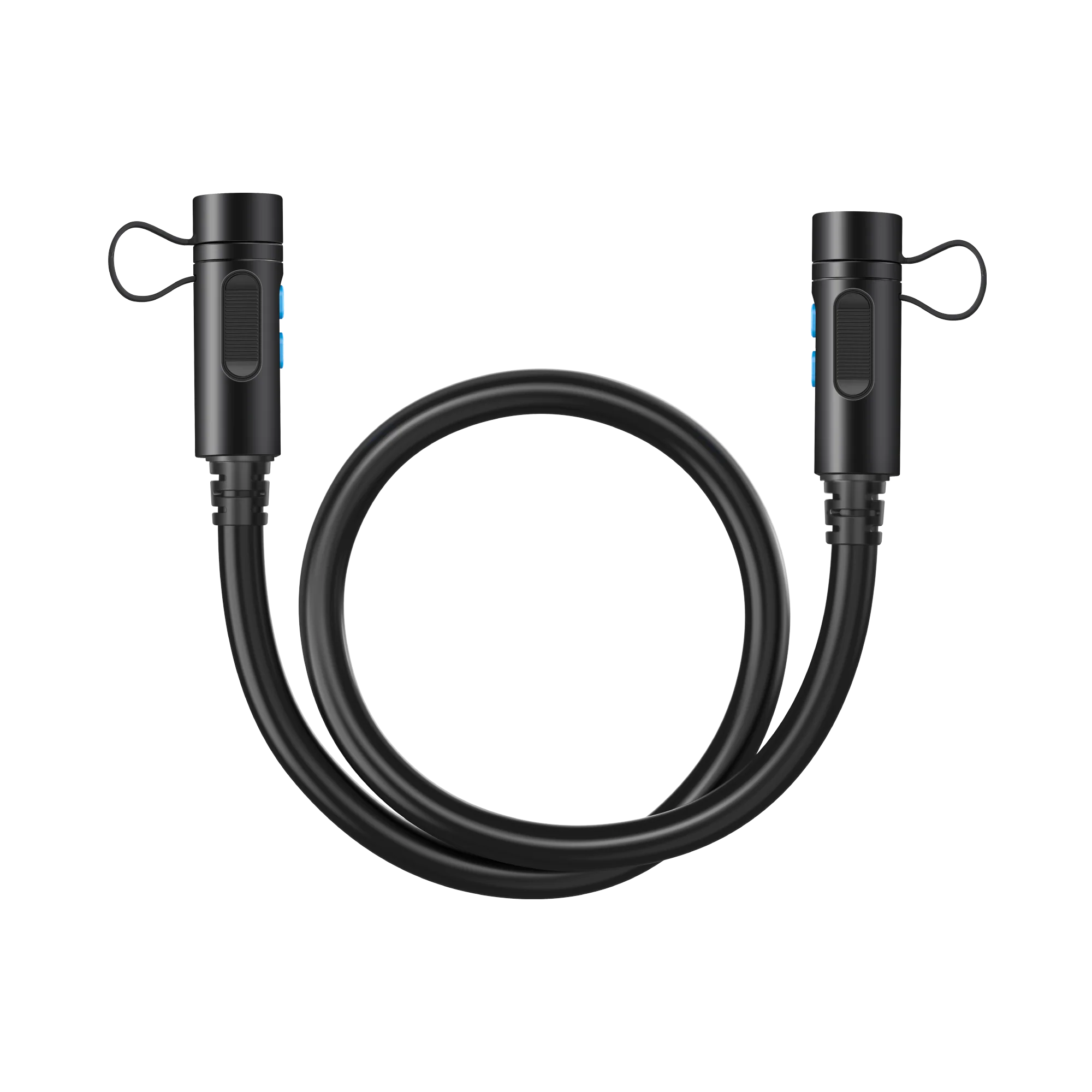
P090A
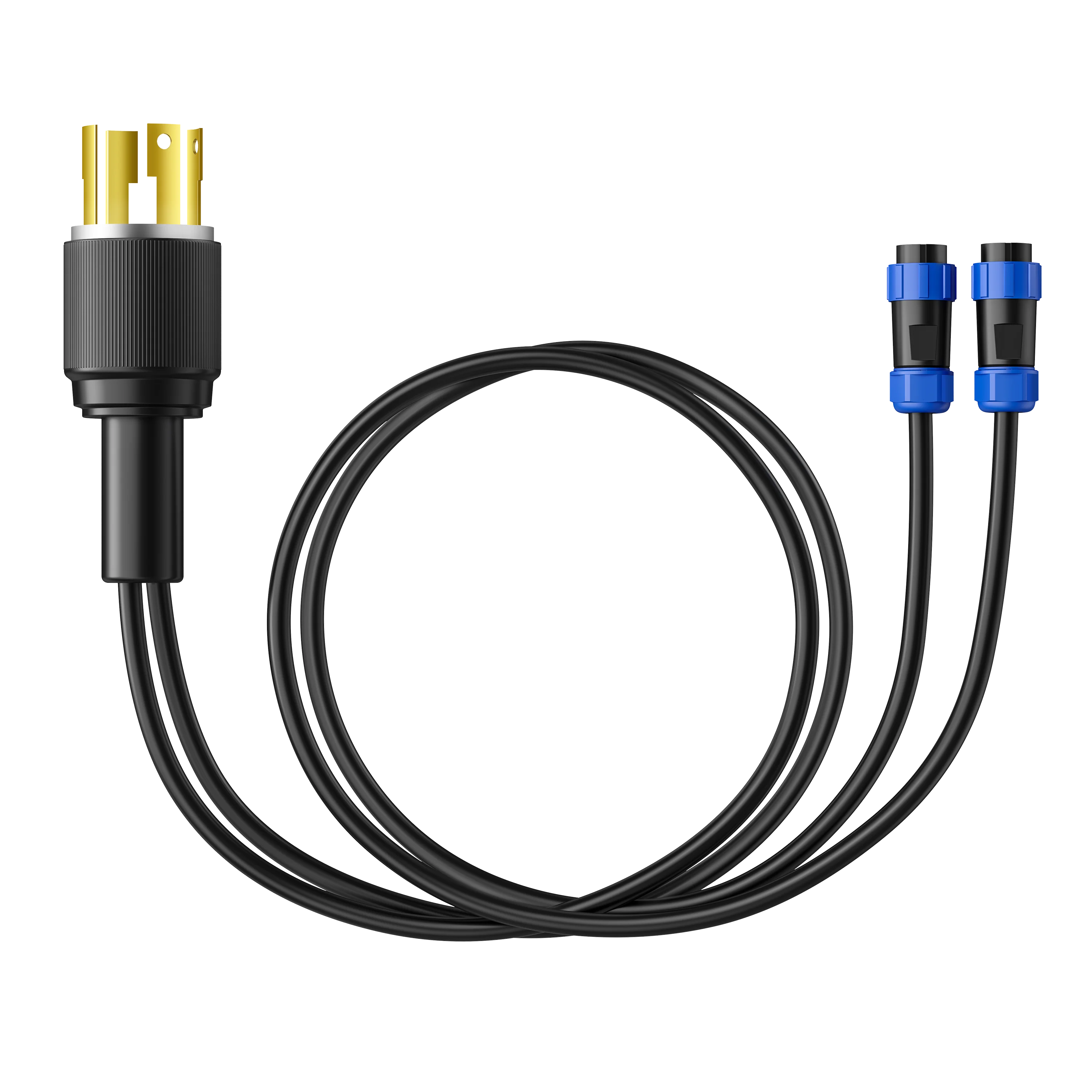
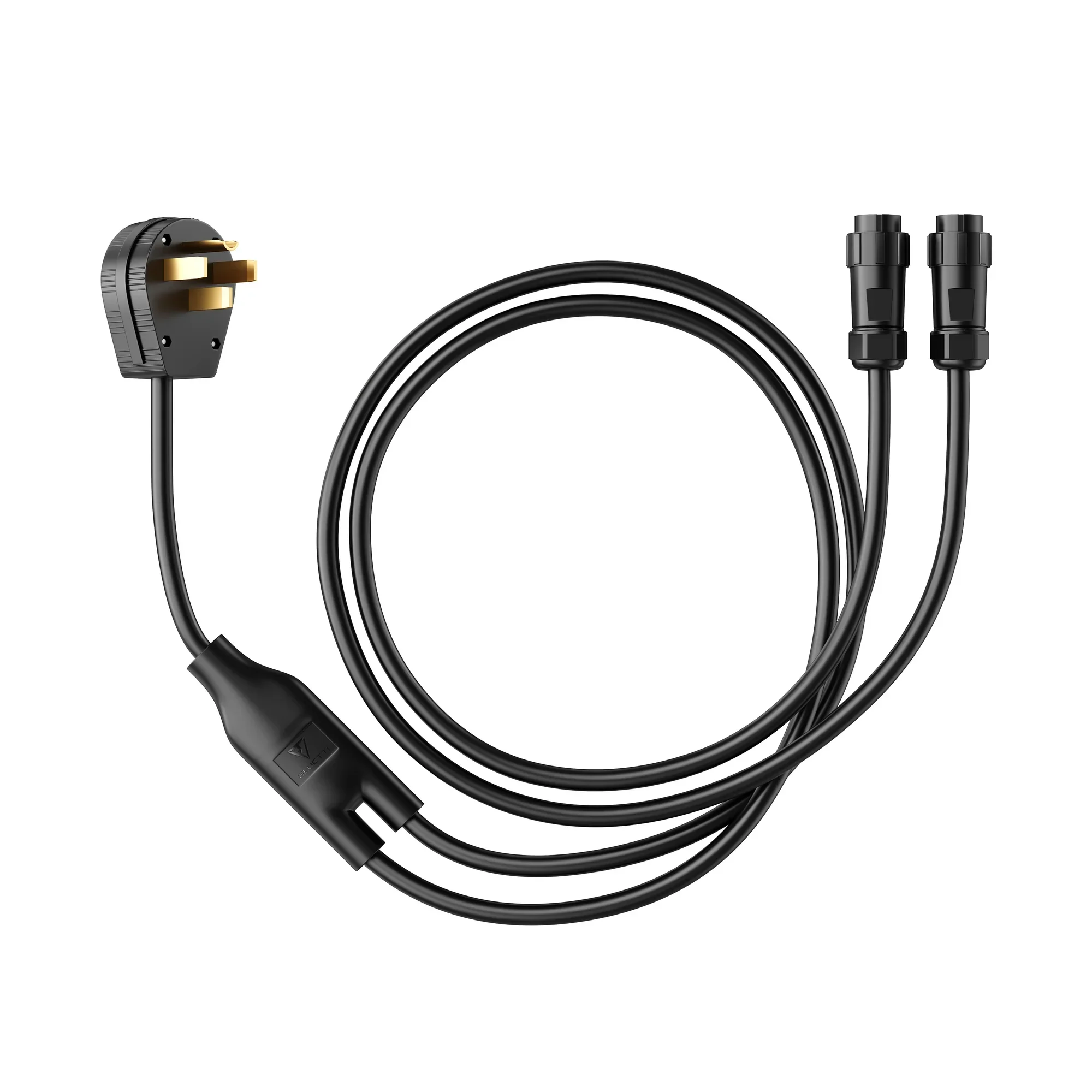
Applicable Models: AC300/AC200L/B300K/Apex 300, Length: L=800±20mm. Its longer length enables versatile layouts with multiple devices and batteries.
Short Battery Expansion Cable
Applicable Models: Apex 300. The 10.6" Battery Connection Cable with a 90° bend links the Apex 300 to the B300K battery, offering efficient power transfer and neat cable management.
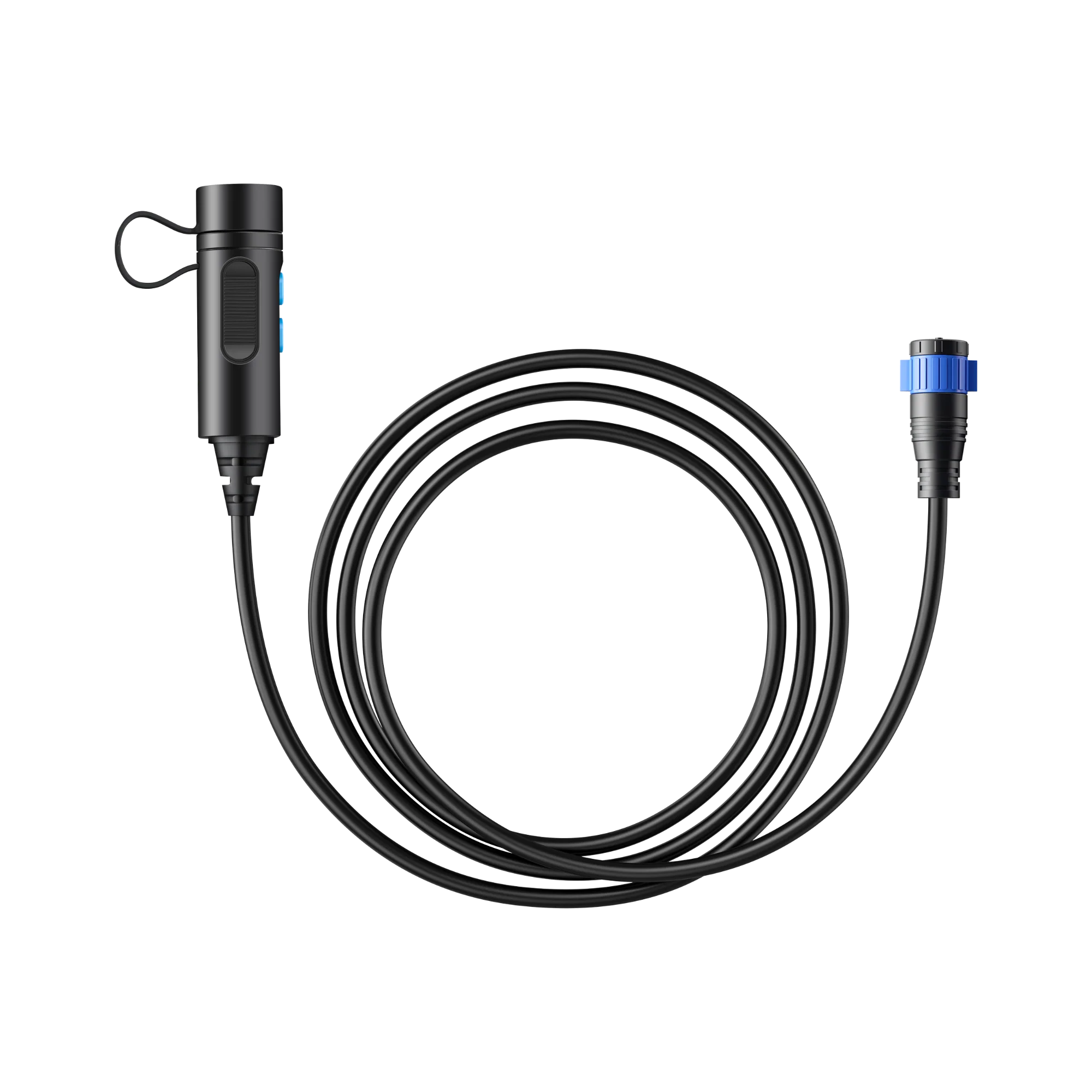
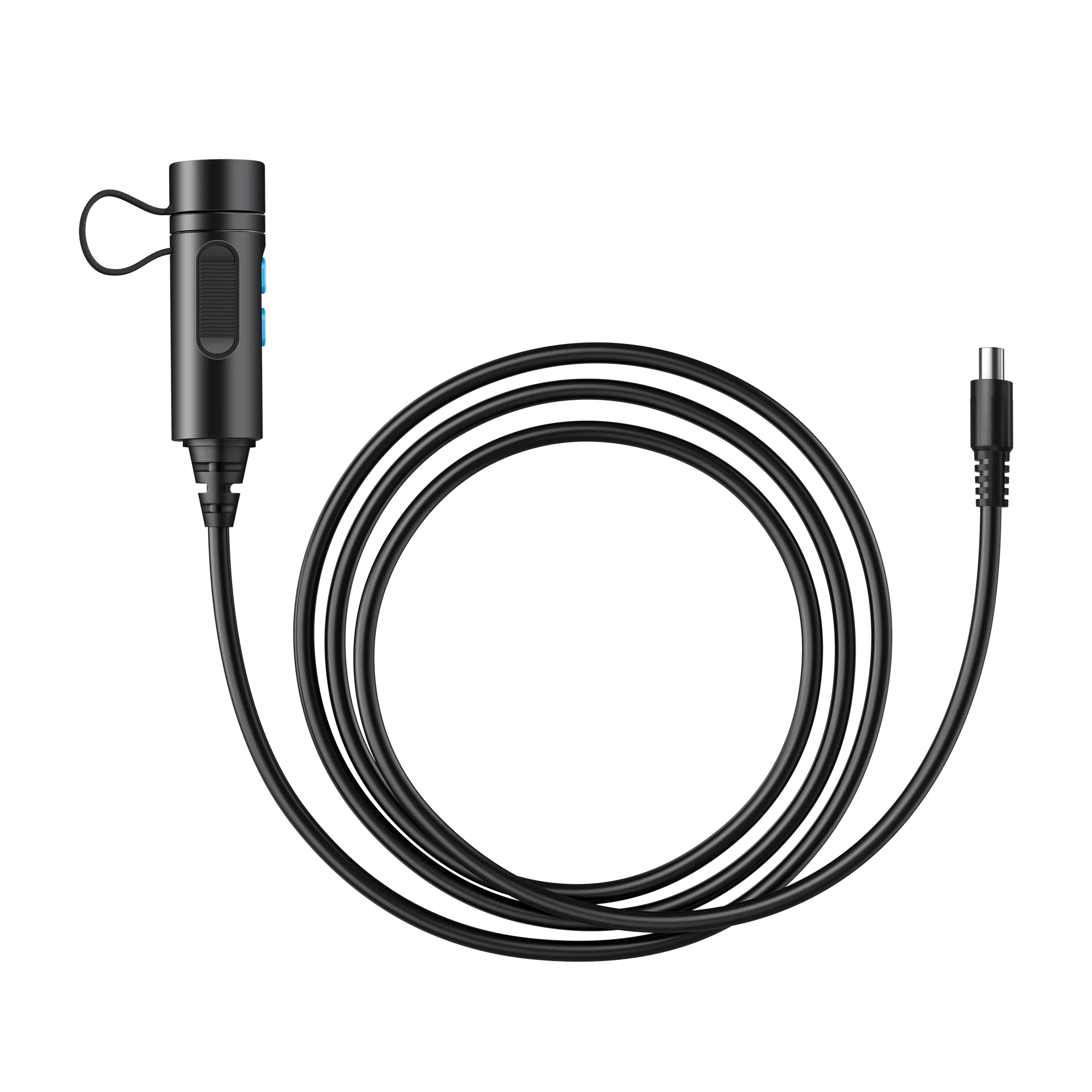
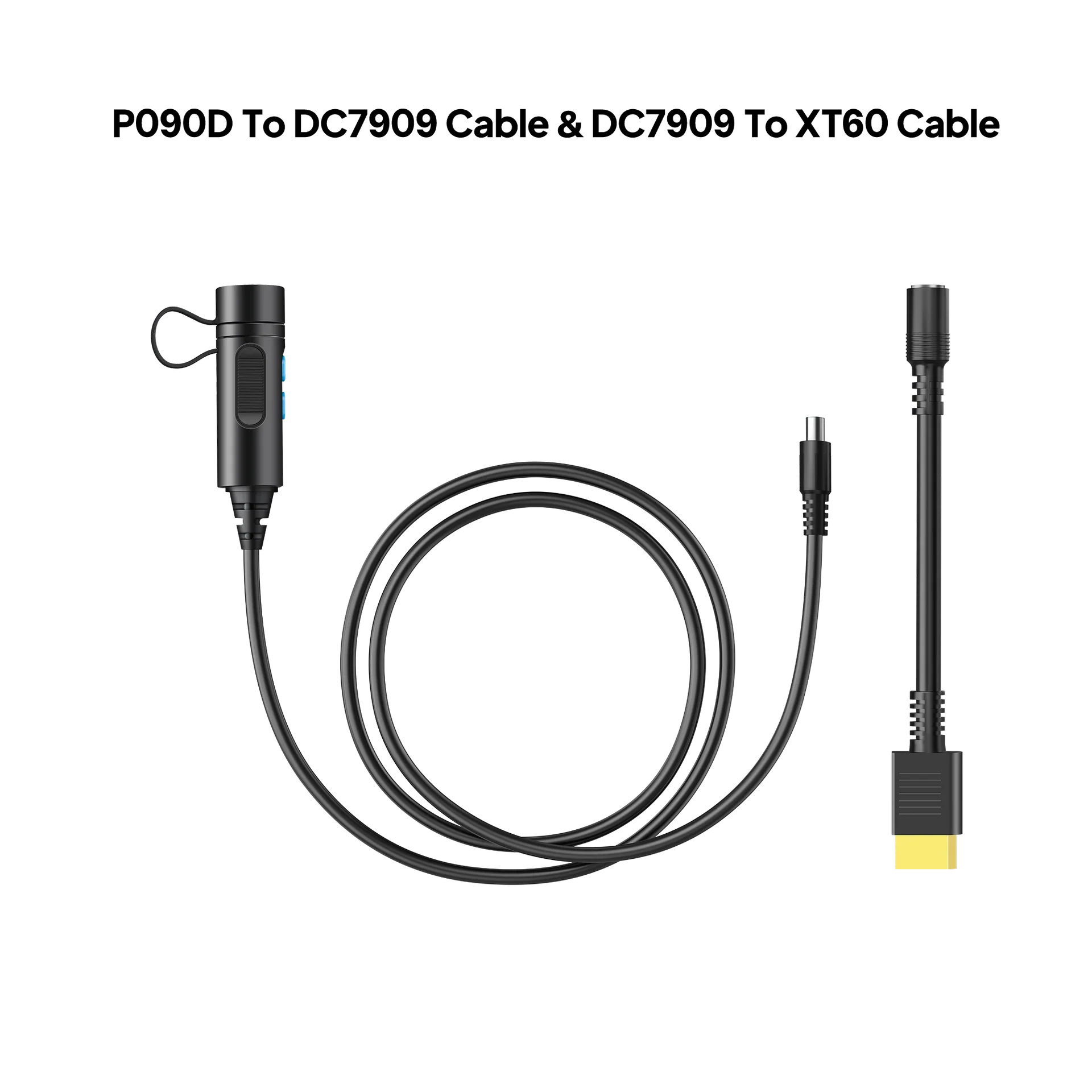
P090D To DC7909
Applicable Models: EB150/EB240/AC180, Length: 59in/150cm.
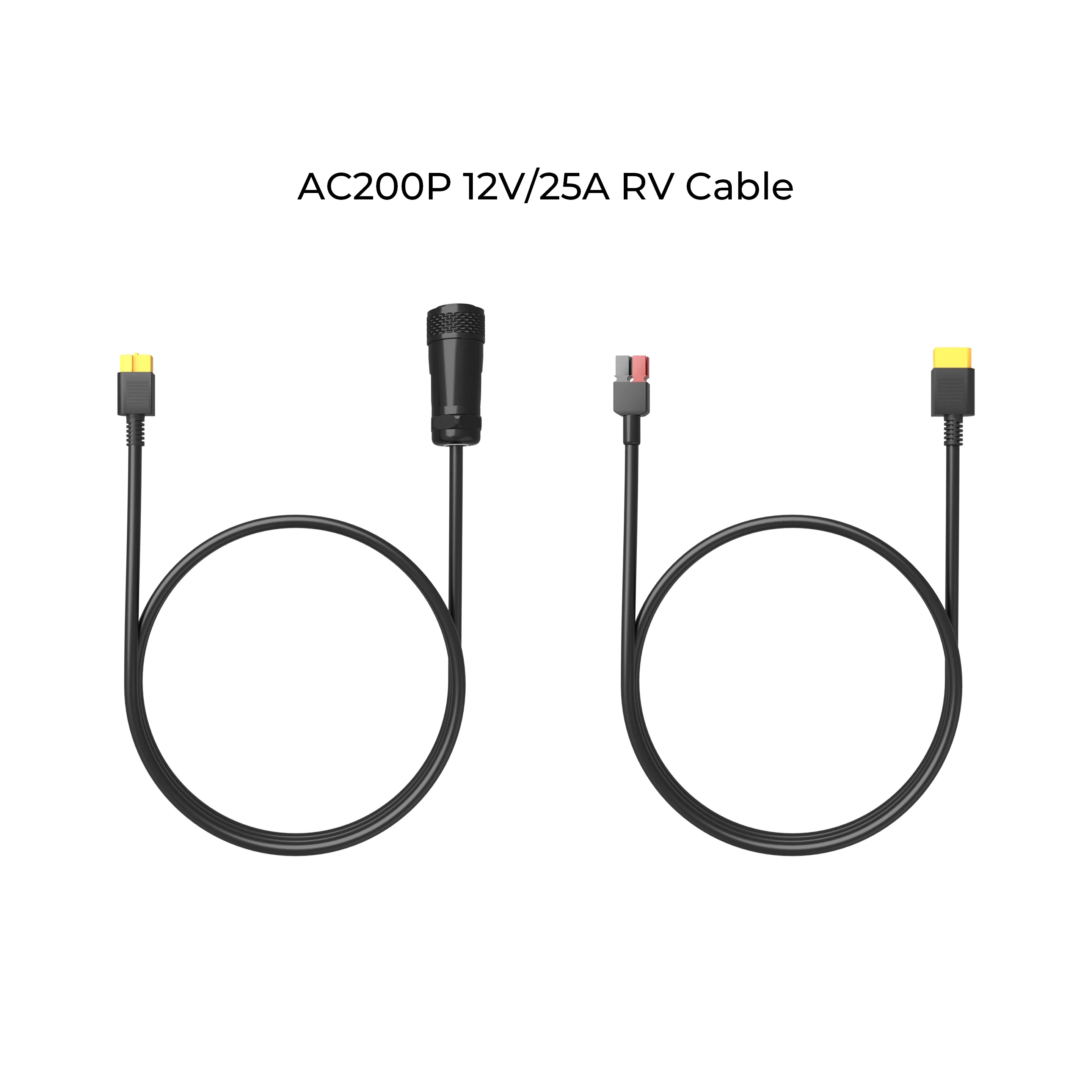
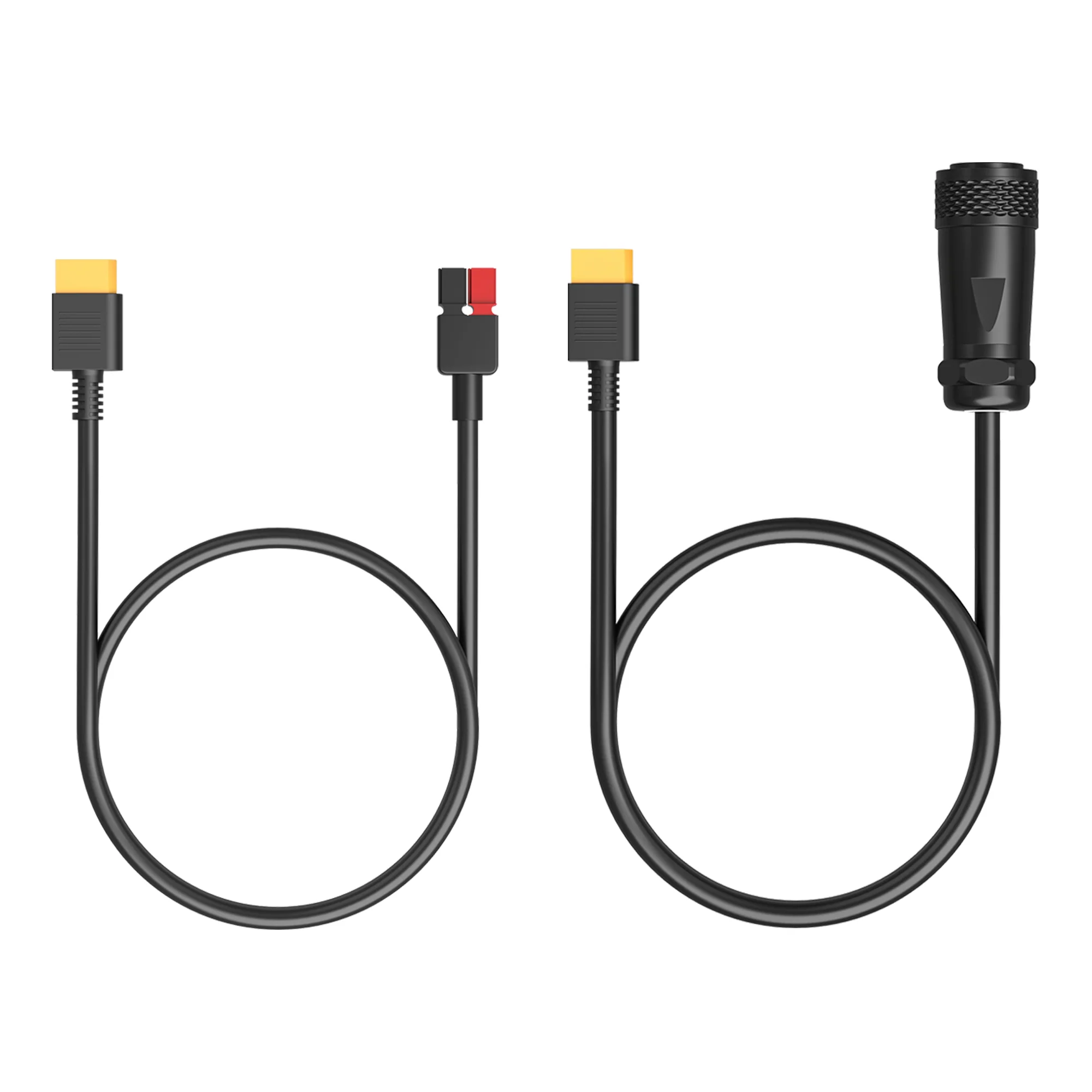
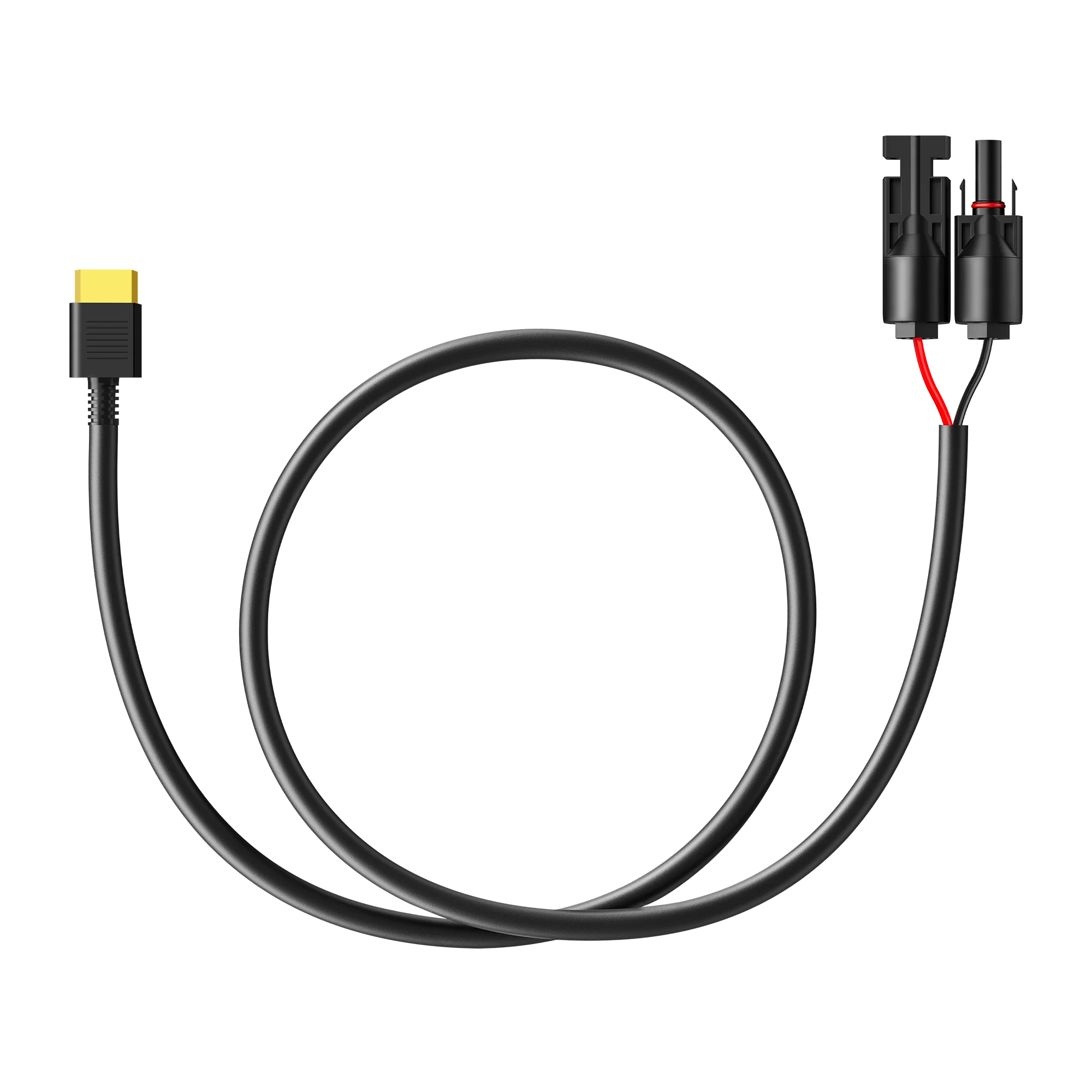
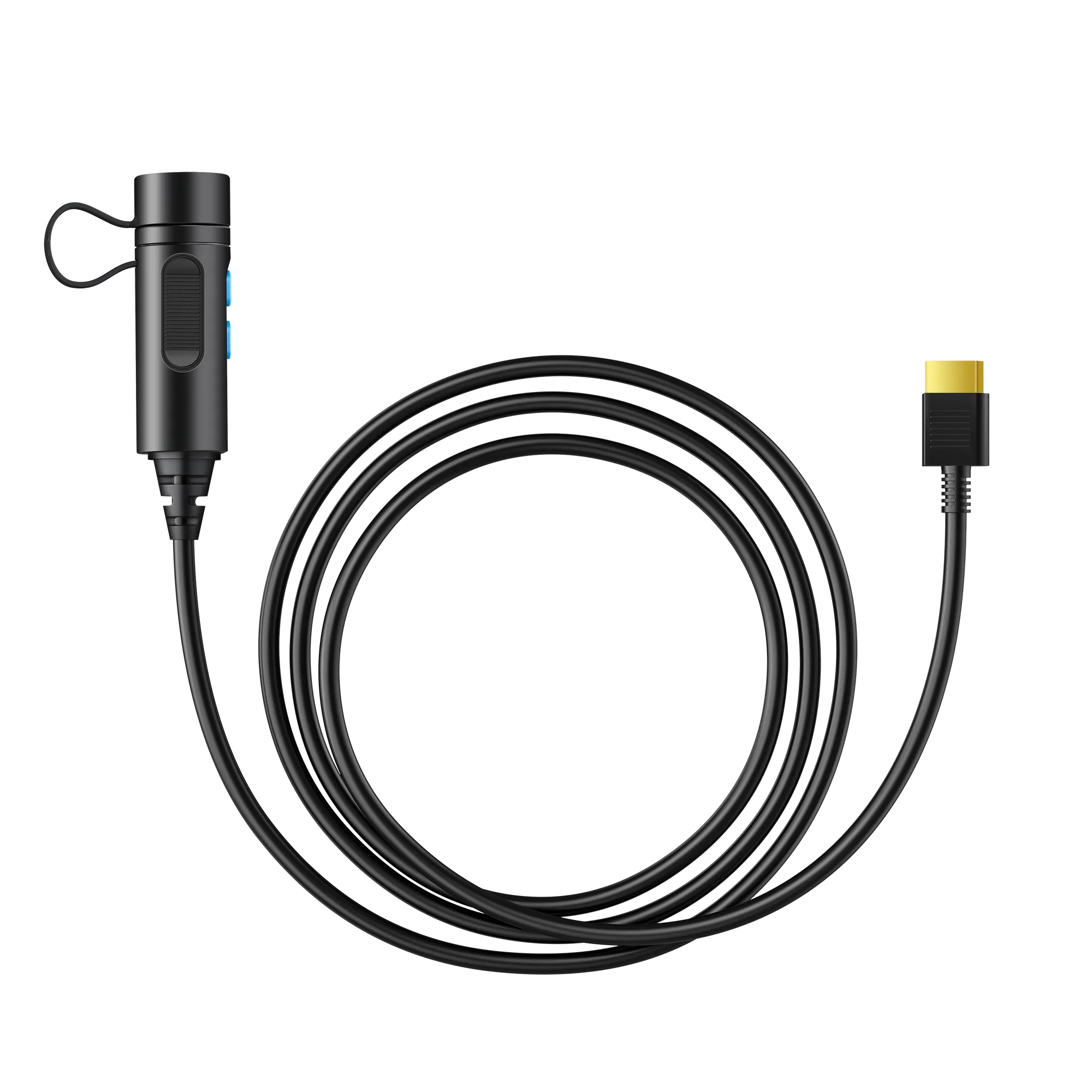
P090D To XT90
Applicable Models: Applicable Models: AC200/AC200P, Length: 59in/150cm.
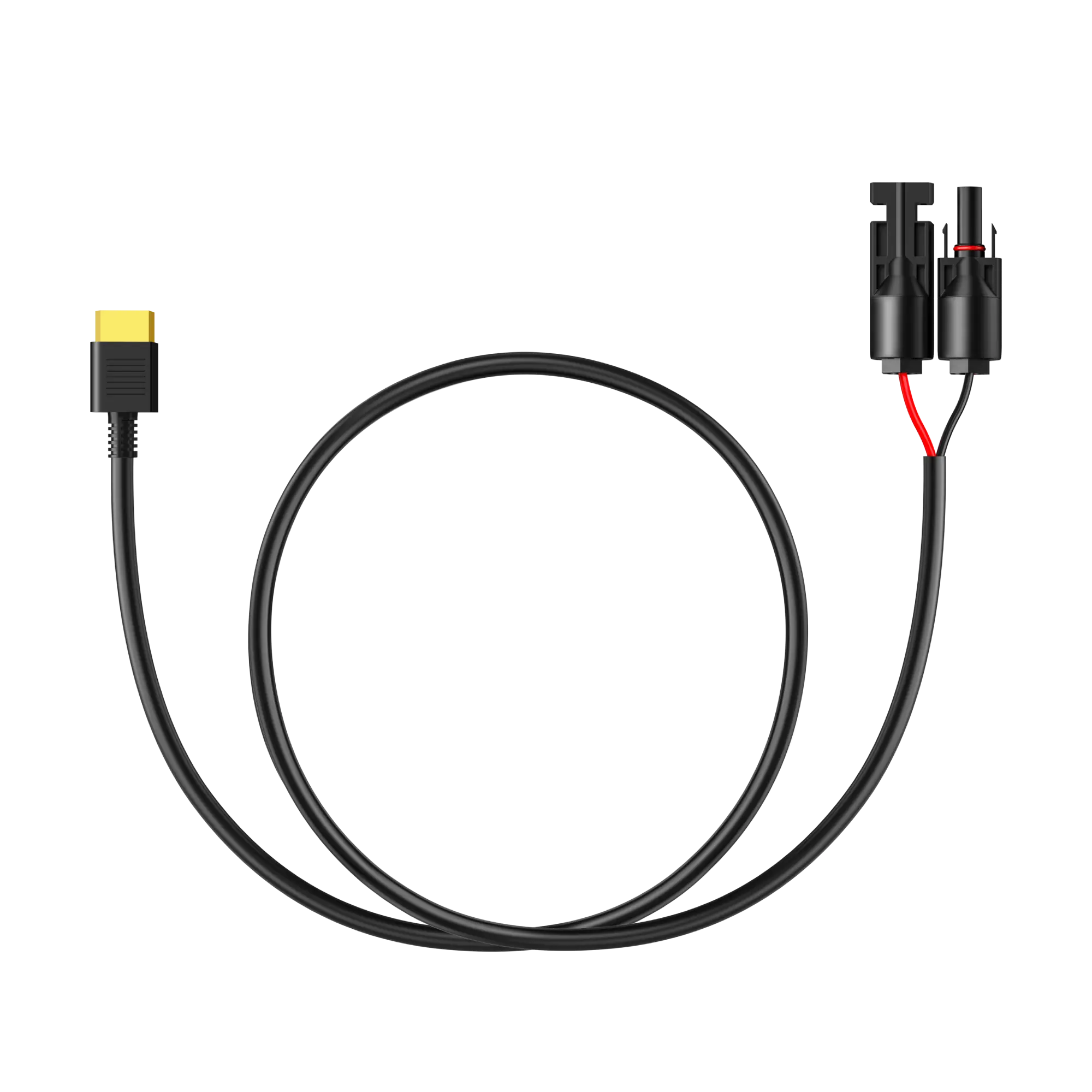
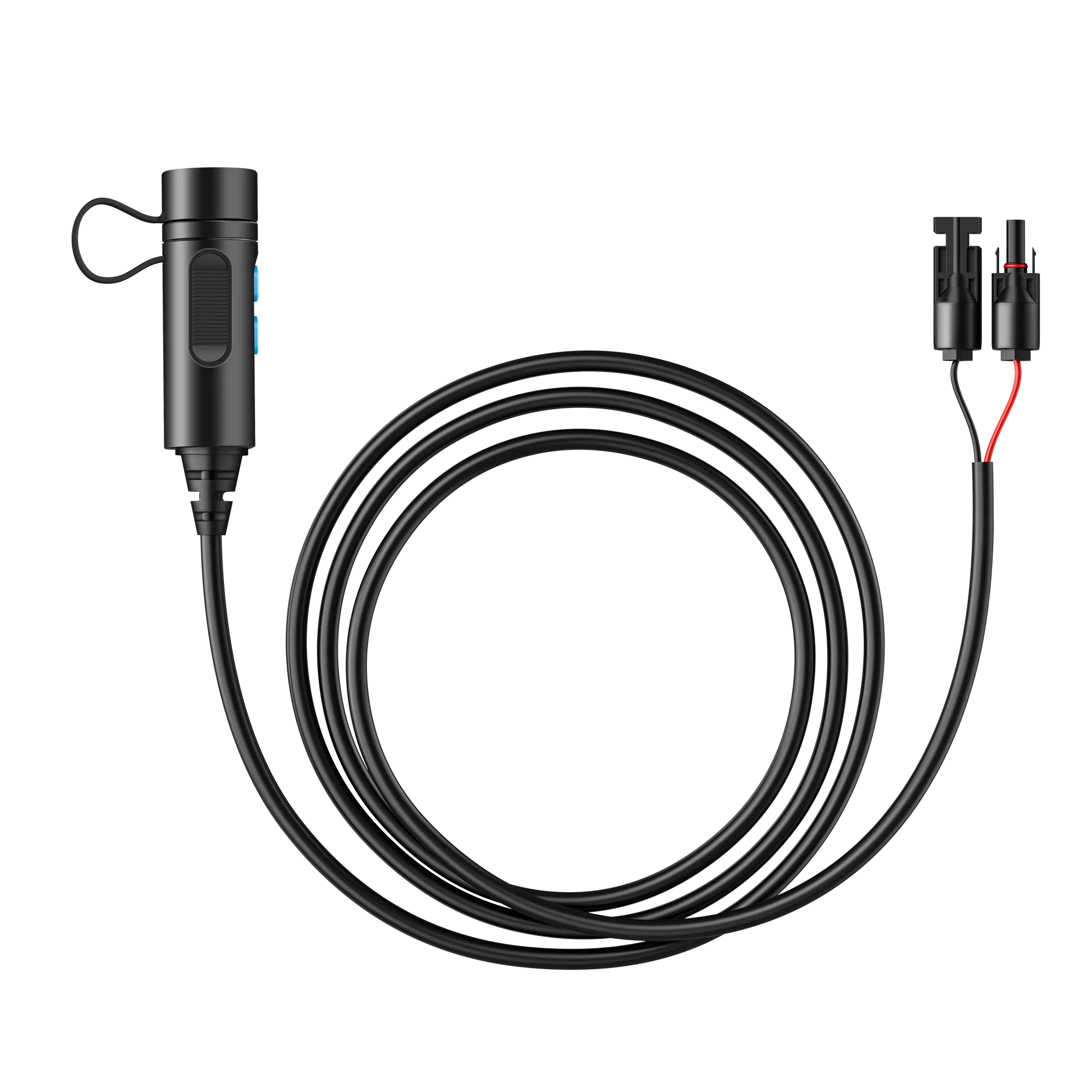
P090D To MC4
Applicable Models: Applicable Models: AC300/EP500Pro, Length: 59in/150cm.
Application: By using this cable, you can connect the B230/B300 external battery packs to your current Bluetti power stations.
Note: To enable the stand alone power output at the P090D port (power bank mode) of B230/B300, press and hold the power button for about 10 seconds till the indicator flashes.
Original: $72.39
-70%$72.39
$21.72Product Information
Product Information
Shipping & Returns
Shipping & Returns
Description
P090A
Applicable Models: AC300/AC200L/B300K/Apex 300, Length: L=800±20mm. Its longer length enables versatile layouts with multiple devices and batteries.
Short Battery Expansion Cable
Applicable Models: Apex 300. The 10.6" Battery Connection Cable with a 90° bend links the Apex 300 to the B300K battery, offering efficient power transfer and neat cable management.
P090D To DC7909
Applicable Models: EB150/EB240/AC180, Length: 59in/150cm.
P090D To XT90
Applicable Models: Applicable Models: AC200/AC200P, Length: 59in/150cm.
P090D To MC4
Applicable Models: Applicable Models: AC300/EP500Pro, Length: 59in/150cm.
Application: By using this cable, you can connect the B230/B300 external battery packs to your current Bluetti power stations.
Note: To enable the stand alone power output at the P090D port (power bank mode) of B230/B300, press and hold the power button for about 10 seconds till the indicator flashes.